













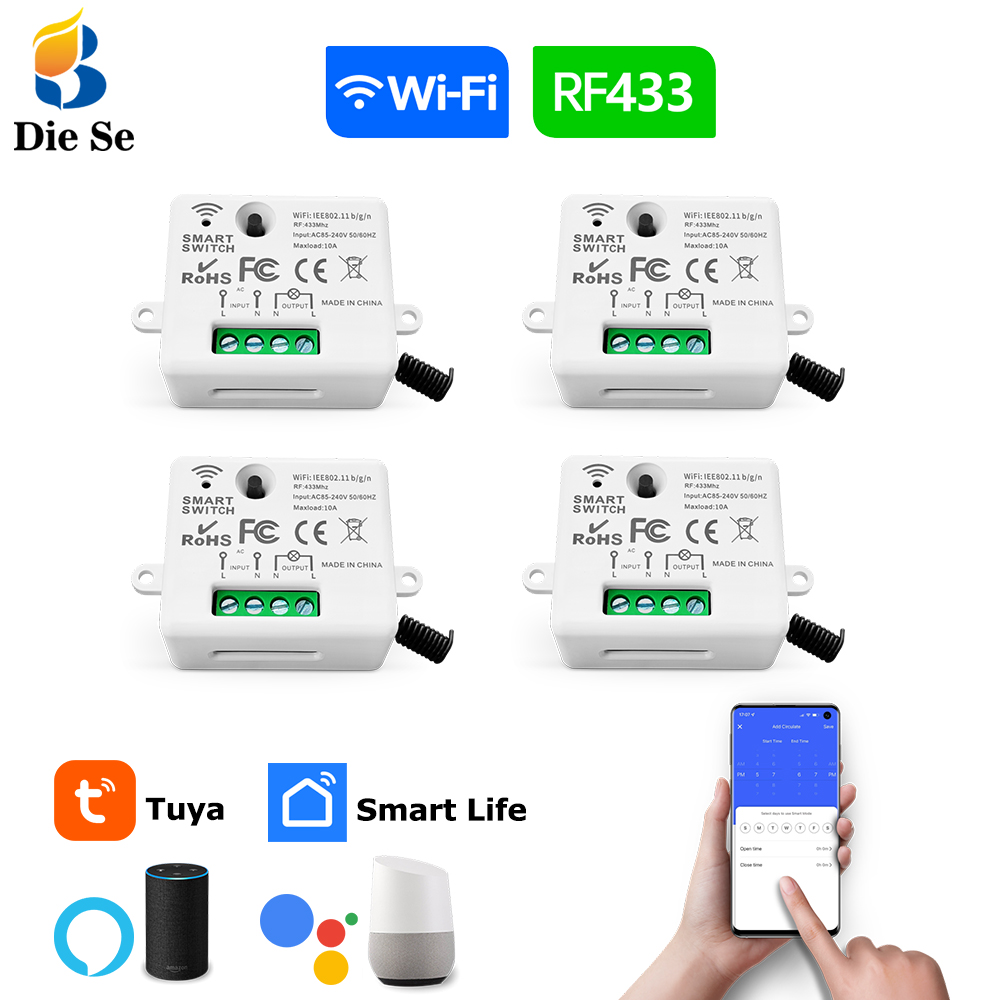


1: Avoid Darkness and Save Energy
Turn on the light in one place, turn off the light in another place to save energy. 2: Voice control
When you are reading in the living room, you can voice control Alexa to turn off the lights in the room so that your child can quickly fall asleep.
3:Countdown function
Setting a countdown for Home appliances(such as humidifiers coffee machines, microwaves,Led,Light and so on),the device will automatically stopping , so that you can don’t worry about the device working all the time. 4:Timing Function
Set the time to turn on Home appliances(such as humidifiers coffee machines, microwaves, Led, Light and so on),before you start working other jobs.
5:APP Control
As long as the mobile phone has a 2G network/WIFI network, you can control the Home appliances ON/OFF anytime and anywhere. 6:Family Sharing Control Fun
Let the family enjoy the fun of smart life.Main account has the exclusive permissions,can share the permissions with the whole family. 7:More convenient remote control fun
When you wake up at night, the wireless switch is be quiet to Control ON/OFF .So that it will not affect the rest of the baby and family.
8:433MHZ RF Remote Control
When your phone is charging and voice control is inconvenient, you can Use the remote control to directly control the light .
9:Chid Lock
Avoid children playing with switches at will.
1.Widely used in various scenarios: The product can be applied in bedrooms, living rooms, staircases and kitchens. It can easily realize smart home functions.


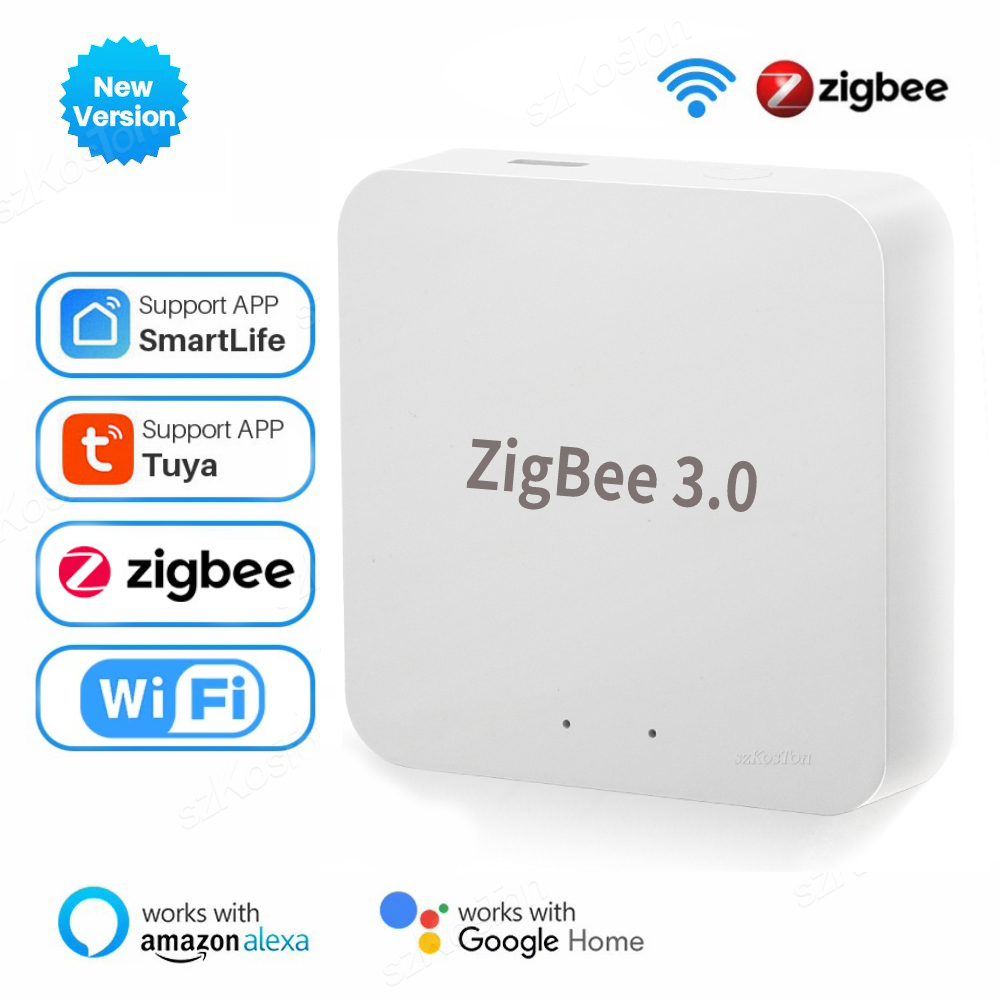
3.App Control: Easily implement smart management of devices using Doodle or Smart Life apps.
4.Voice Control: By giving instructions through voice, devices can be controlled quickly and efficiently.
5.Timing Function: Set a timing on the app that can turn the device on or off within a certain period.

6.Group Control: By sharing with other devices through the main device, the feature of multiple devices jointly managing modules can be realized.
7.Power-off memory function and switch log:Set the power-off memory status to record the status when the device last powered off. Set the switch log to record the time when the switch is turned on and off each time.
8.Child Lock: Set this lock to prevent children from playing with the switch at will.
Technical Parameter
Working voltage:AC 85~240V
Size:47*42*23mm
Max Load:10A
Control mode: RF remote control / RF Wall Switch / App control / Voice control
RF frequency:433MHz
Working temperature:30~+80
Receiving Sensitivity:97dbm
Amount of storage remote controls:25 pieces
Support encoding:1527 Leaning code/ 2262 fixed code
RF Operating mode:ASK superheterodyne wireless reception
Wi-fi:IEEE 802.11 b/g/n
Compatibility:APP for IOS and Android.
Access intelligent speaker:Amazon Alexa / Google home
Remote operating mode:Toggle Mode
Wiring method
How to get the signals
Step 1: Press the learning button(on the Receiver) twice . Wait for 3 seconds;
Step 2: Press one button on the remote control. Wait for 3 seconds. Succeed.
How to clear the RF signals
Only one step :Press the learning button(on the Receiver) 8 times. Wait for 3 seconds;
2.WIFI signals
How to get the WIFI signal
1: Search “Smart Life or Tuya Smart” on APP store, Google Play or scan the QR code on user manual to download and install it.
2: Press the button on switch until the indicator light flash. You can also hear a voice too.
3: Open “Smart Life or Tuya Smart App”, discovery and add device in the app, and then finish configuration according to the guide.


How to get the Alexa signal
1. Modify device name so your Amazon Alexa can easily recognize the name. For Example: Living Room Lamp, Bedroom Light.
2. Use Alexa App or Computer to set up your Amazon Alexa.
3. Select ‘Skills’ and search for ‘Smart Life’ on Menu. Enable Skill and type in your login info to link the account
4. Ask Alexa to discover devices. Then you can control your devices by voice.

Package Include
WiFi Switch Module
Q & A
1.Can one receiver be controlled by multi mobiles?
Yes.Of course.
2.When the power off and suddenly comes again,does the lamp/device light automaticly?
No.The device only works when you pressed the switch again.Our products are designed for saving energy.
3.Does the receiver need Neutral line?
Yes.Our receiver needs both Live line and Neutral line.


bien arrivé bien emballé