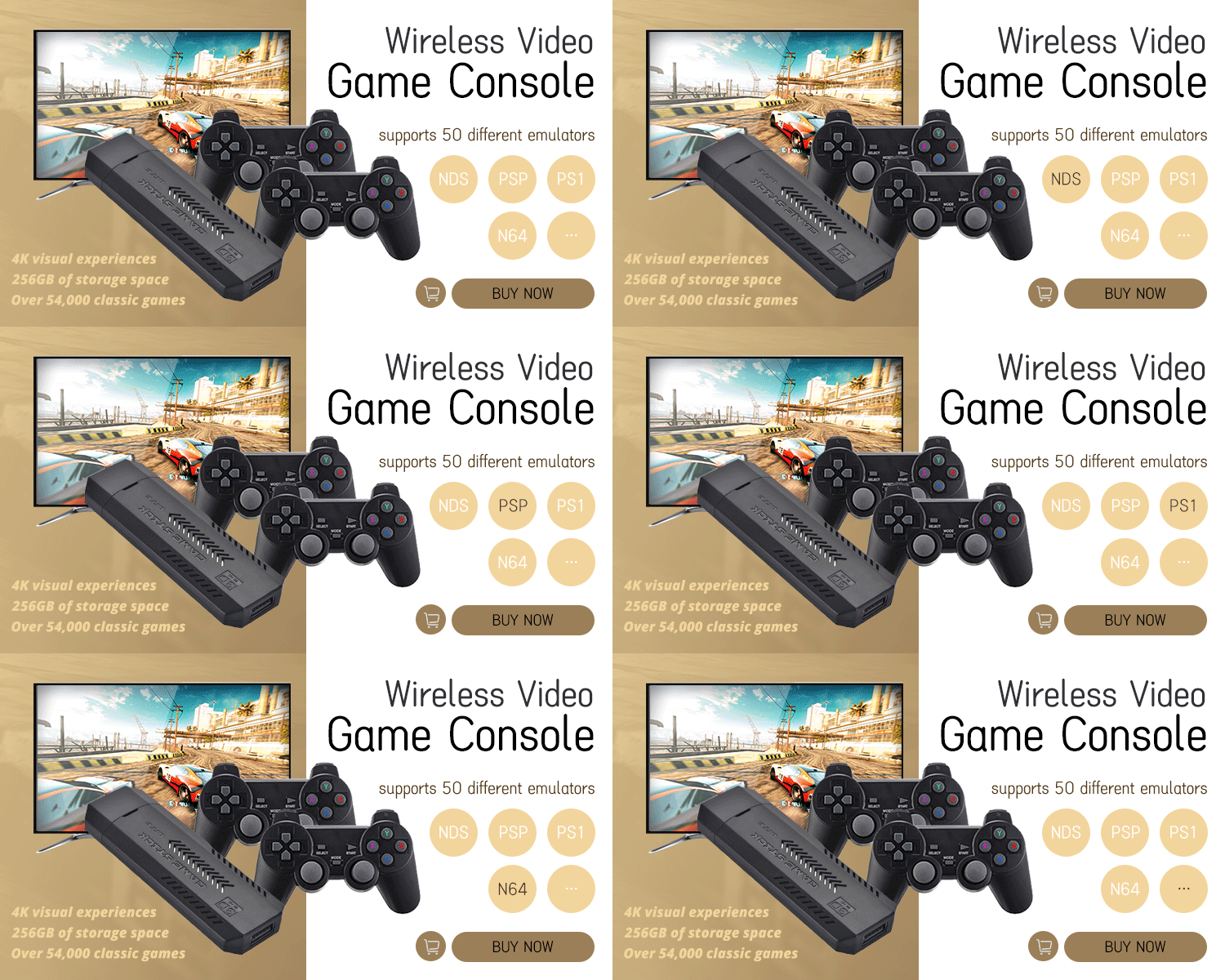



















Wireless Video Console For SNES GAME
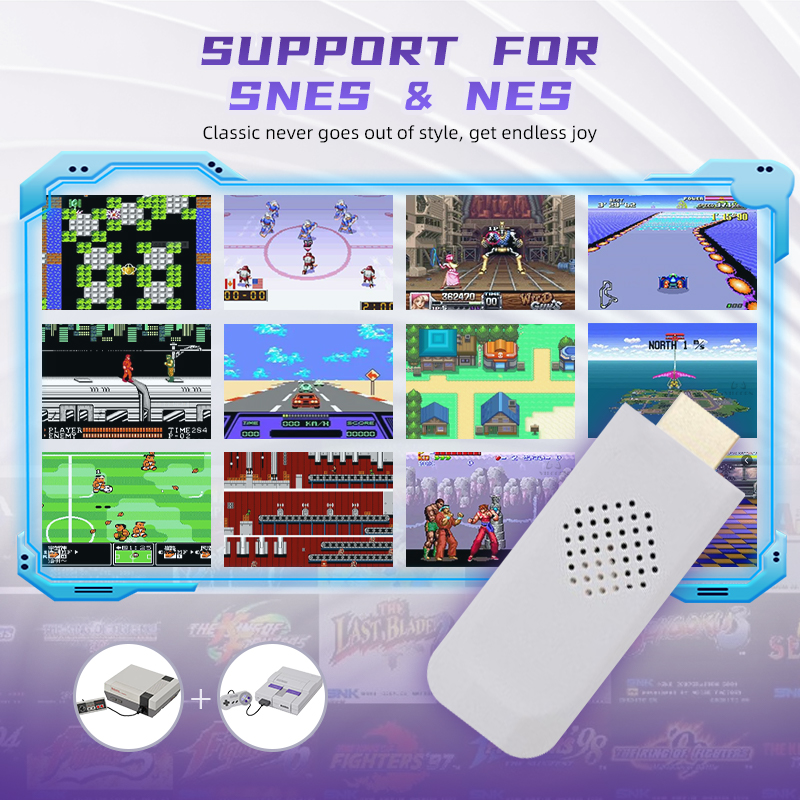
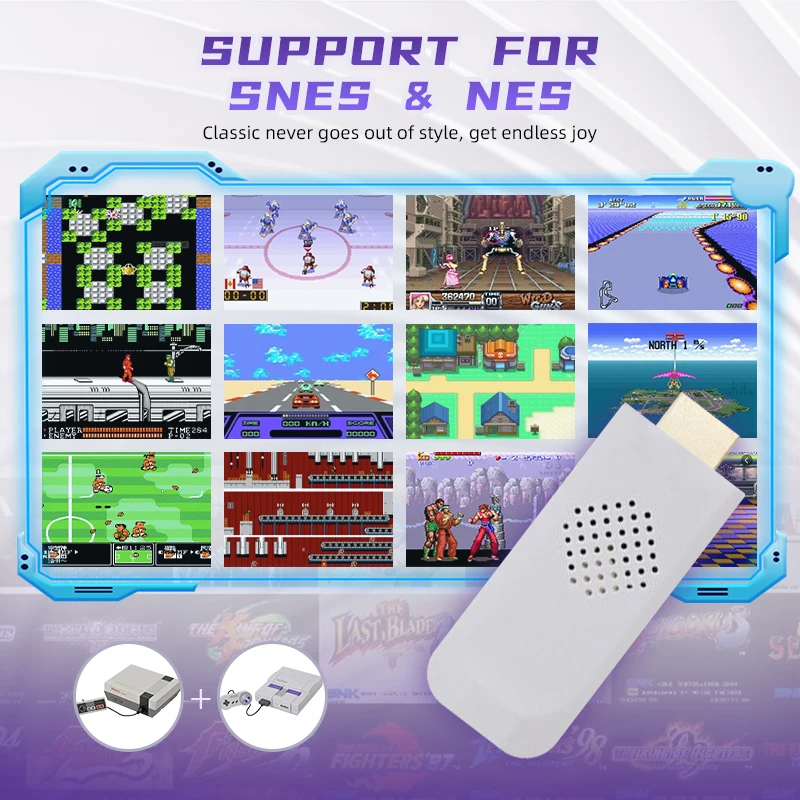
🔥 RETRO GAMING RELOADED – SNES/NES Classic Console with 4K Upscaling & Plug-and-Play Fun! 🔥
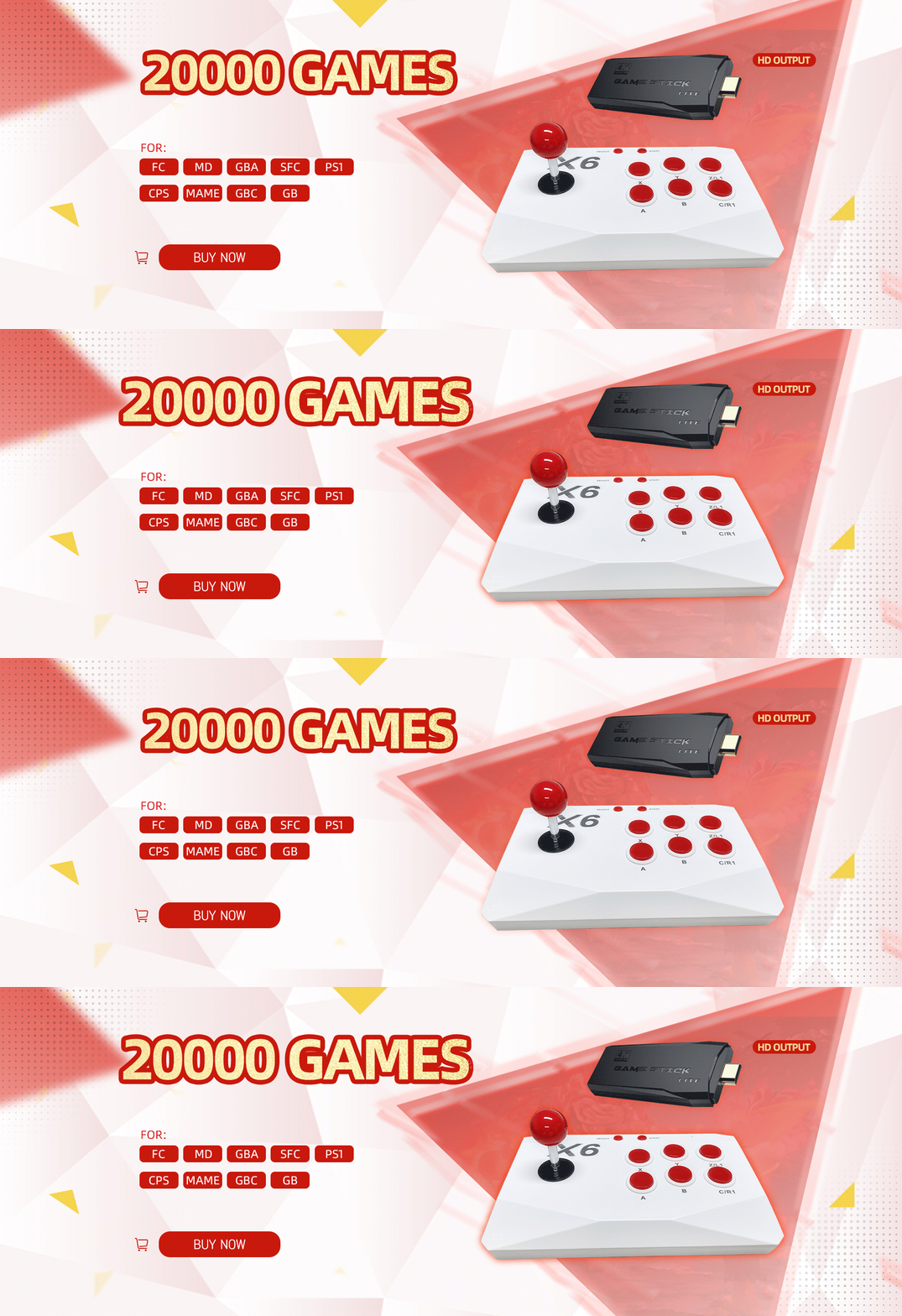
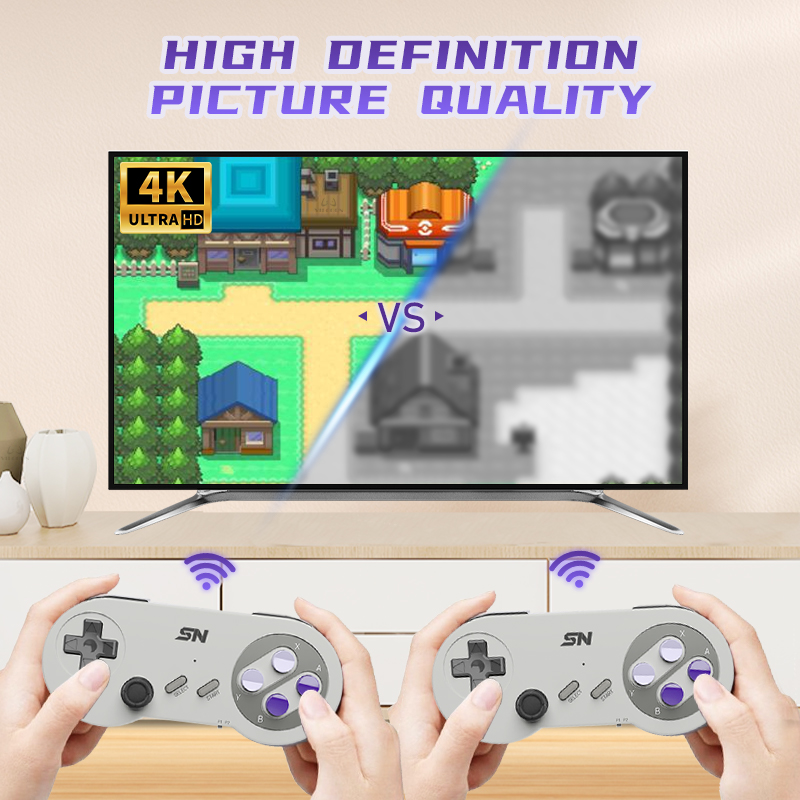
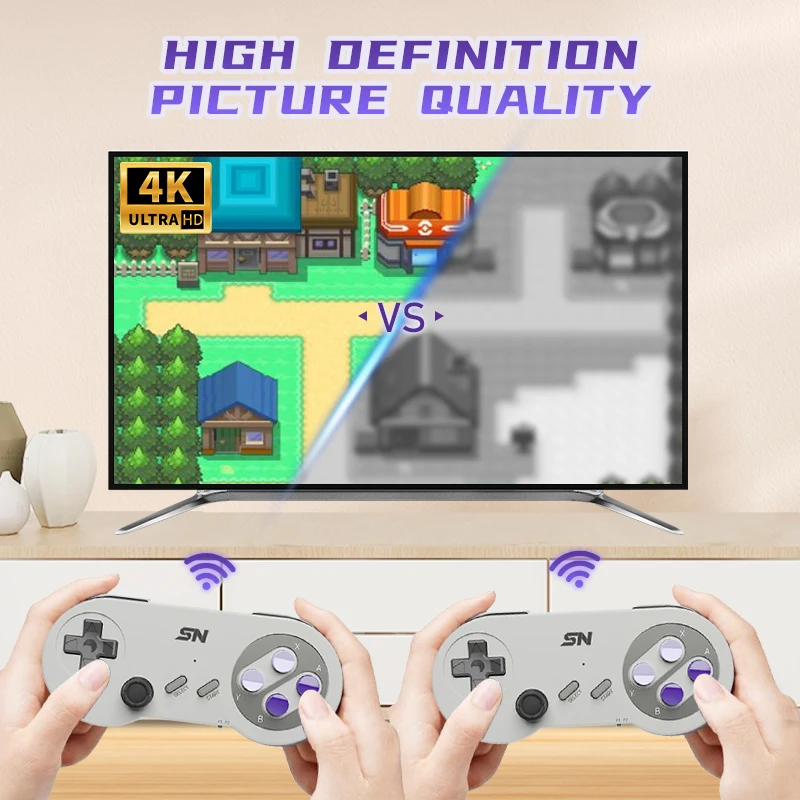
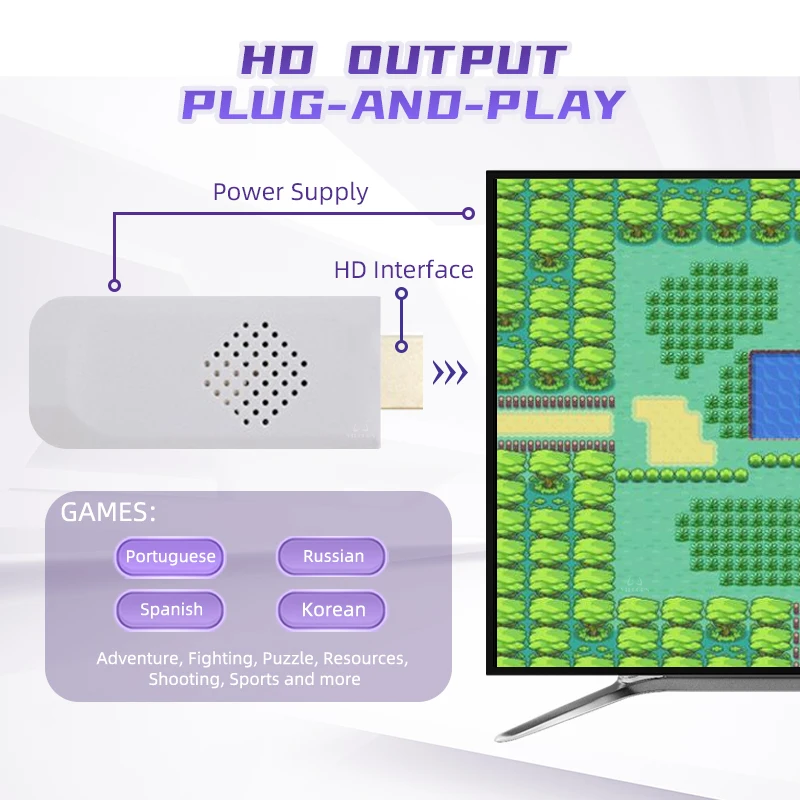
🎮 REAL HD OUTPUT – CRYSTAL CLEAR 4K QUALITY
Experience your favorite SNES and NES classics like NEVER before! Our console supports HD output with 4K upscaling, transforming retro pixels into sharp, vibrant visuals on modern TVs. Say goodbye to blurry old-school graphics – hello to ultra-crisp, nostalgia-packed gameplay!
🕹️ PLUG AND PLAY – NO SETUP, JUST FUN
Everything you need is in the box! Simply connect to your TV’s HDMI port, power up with the included 5V1A adapter (⚠️ use standard charger, not fast charger!), and dive right into gaming. Perfect for instant family fun, parties, or solo adventures.
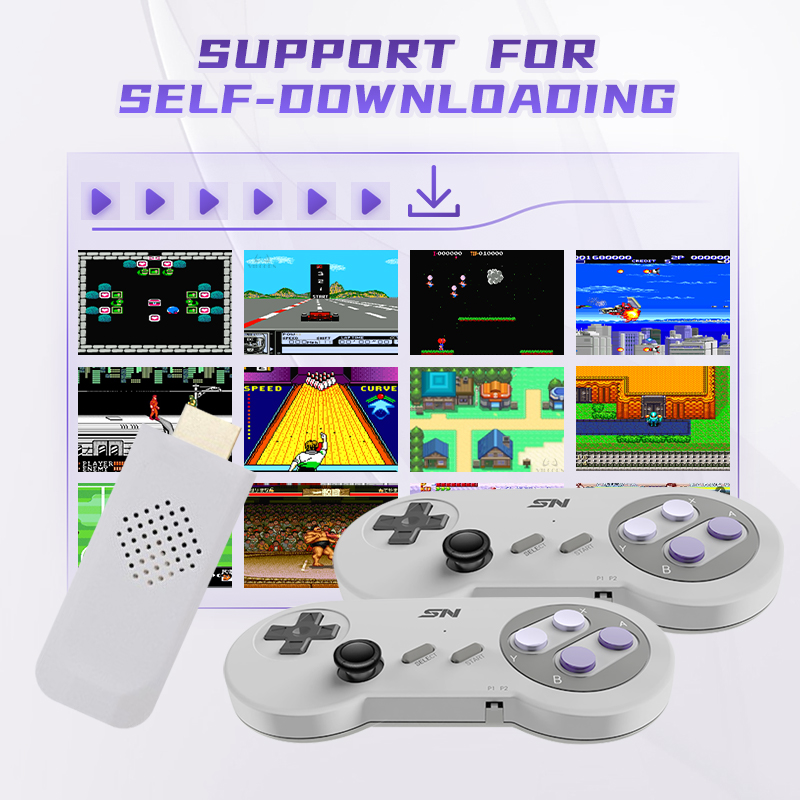
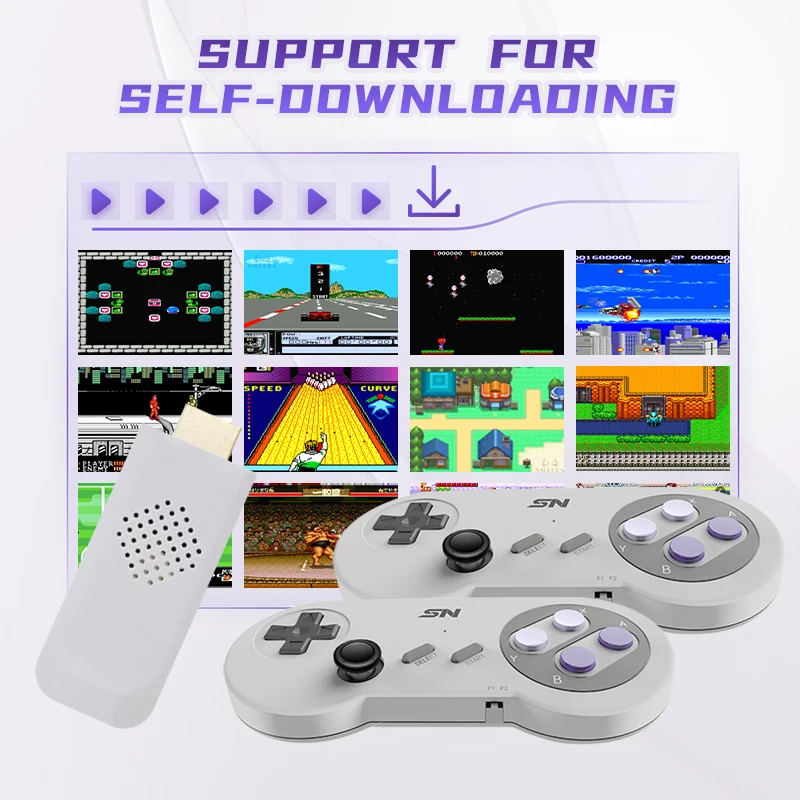
📀 SUPPORTS SELF-DOWNLOADING + BUILT-IN SAVE/LOAD
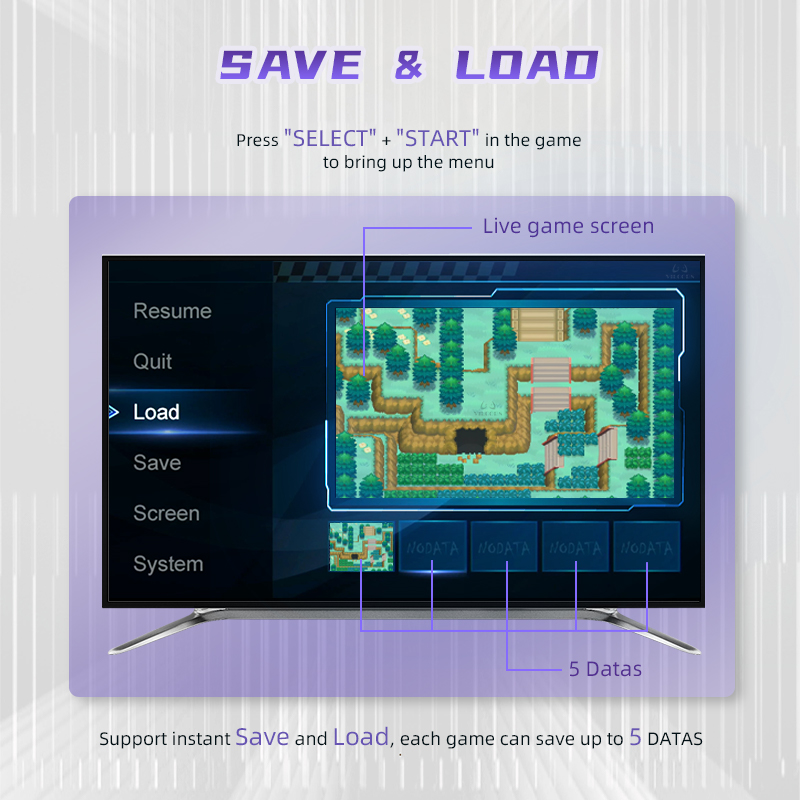
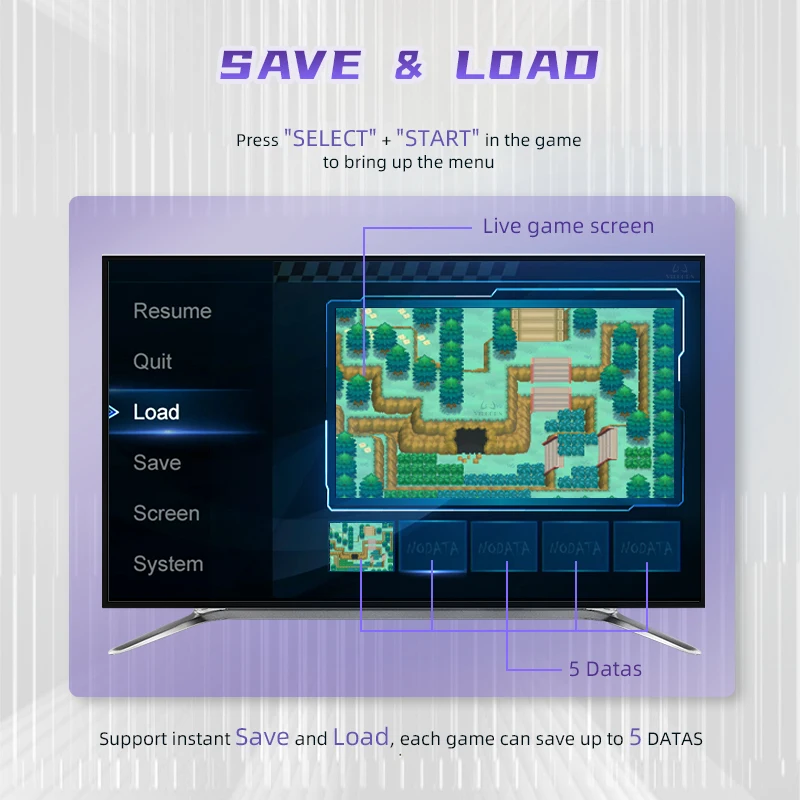
Load your own FC / SFC games via game card and enjoy 5 save slots per game! Quick Save and Load anytime by pressing SELECT + START. Relive challenging levels without starting over – perfect for RPGs, adventures, and long play sessions.
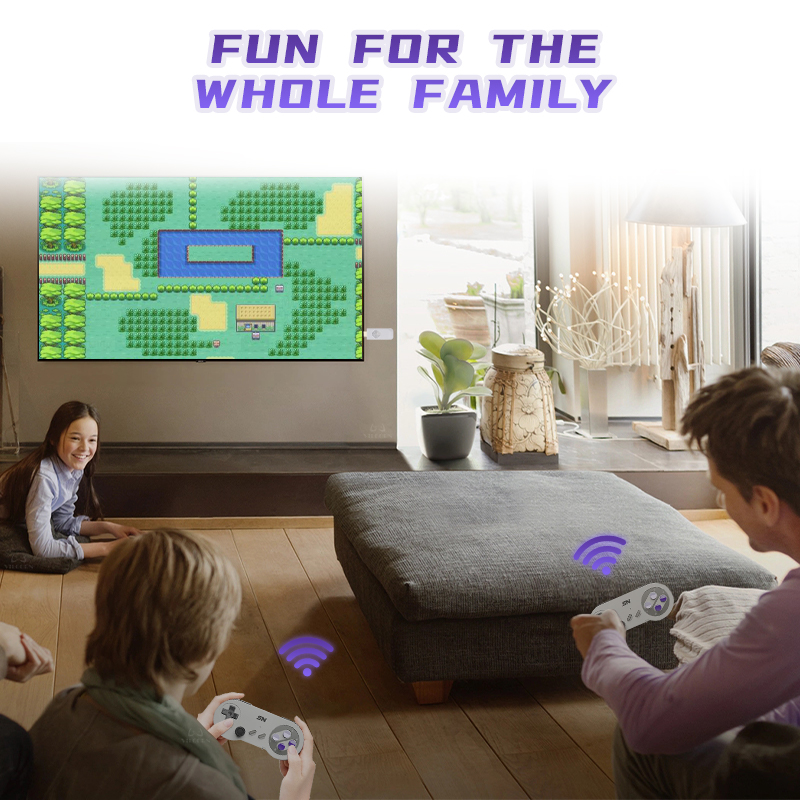
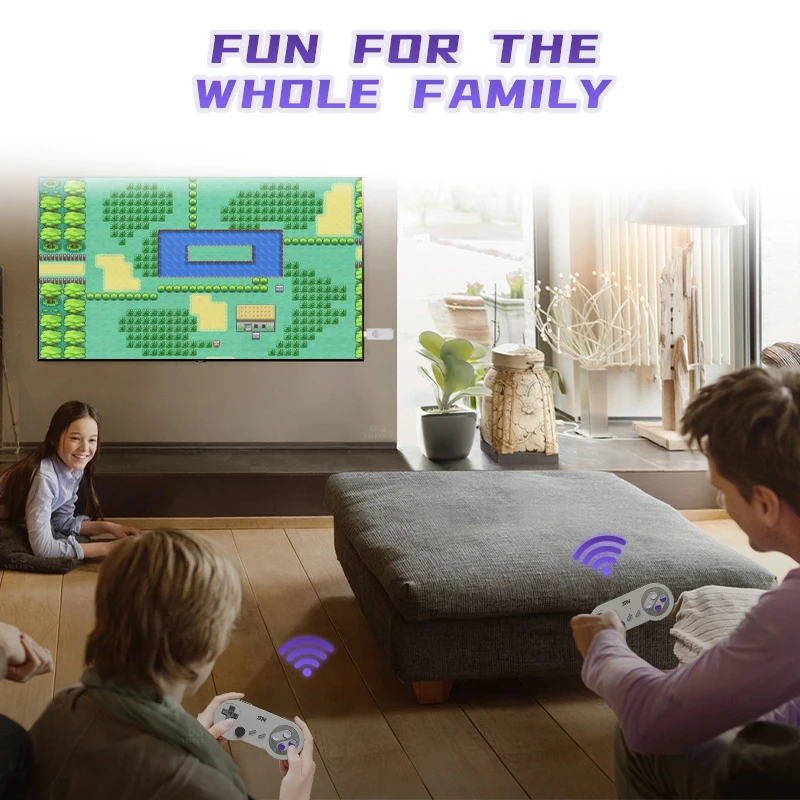
👨👩👧👦 FUN FOR THE WHOLE FAMILY
Whether you’re into Adventure, Fighting, Puzzles, Shooting, or Sports – there’s something for everyone! Games available in multiple languages including Portuguese, Russian, Spanish, and Korean. Bond over classic co-op or challenge each other in versus modes!
🛠️ EASY TROUBLESHOOTING & PC STREAMING READY
TV not detecting signal? Just reseat the game card or check your power source. Want to stream or record? Follow our simple OBS setup guide and broadcast your gameplay directly to your computer. Great for content creators and retro enthusiasts!
⚠️ NOTE: To ensure compatibility, only games placed in the correct ROM folder (FC/SFC format) are supported. For any issues, our customer service is ready to help!
✨ READY TO RELIVE YOUR CHILDHOOD IN HD?
CLICK “ADD TO CART” NOW and bring home the ultimate retro gaming experience – where classic joy meets modern clarity! 🕹️🎬🖥️
🏷️ #RetroGaming #SNES #NES #4KConsole #PlugAndPlay #FamilyGames #HDMIOutput #SaveAndLoad #ClassicConsole #GiftIdea
FAQ
Q:Why it will return to the main menu when press the second gamepad?
A:Please adjust one handle to P1 and the other gamepad to P2.
Q:How to quit the game?
A: Please press [SELECT + START] at the same time that will display the menu with “Quit ” selection.
Q: Can I save or download new games?
A: Supported. Each game supports 5 game archives. Click SELECT+START in the game to enter the game menu. You can also download more snes or nes games to the memory card (ROM) folder.
Q: Can all the games or downloaded games in the game console be played normally?
A: Due to the development of the simulator for SFC at several generations, many different versions of games appear on the Internet. Due to the existing technology, it is still not possible to make one simulator adapt to all games. We currently have 95% game compatibility of our game consoles, but there are still about 5% of games that may not be perfectly compatible, may not be able to open, or there is a game console that does not support you, or it is very stuck after opening. These are all normal phenomena. Generally, you can download other versions of the game. Hope to understand.
Popular Recommendations